Eway Bill
Ever wondered how businesses move goods across cities and states without delays or legal trouble? To guarantee GST compliance the right paperwork is needed when transporting goods throughout India. The e-way bill system which replaces manual paperwork with a streamlined digital process has completely changed the way businesses transport shipments. The system offers flexibility based on your operational needs by supporting multiple generation methods via web portal SMS mobile app and API integration.
What Is an E-Way Bill?
For the transportation of goods valued at more than fifty thousand rupees, GST-registered businesses create an electronic document known as an e-way bill. Details about the goods to be transported the supplier, the recipient and the transporter must be included in the document created in the GST bill portal.
Even if the transported goods are not paid for, a bill must be generated. However if even one party like the supplier is not registered it is the retailers or the transporters responsibility to create the GST way bill document. When a GST bill is generated the supplier recipient and transporter can all access the unique Number (EBN).
For smooth site-to-site data transfers can be generated or cancelled via a variety of methods including SMS an Android app and API integration in addition to web-based generation. This guarantees that the correct GSTIN is used by all parties. Using the GST search function on the portal is crucial for confirming the GSTIN.
Component Of E-Way Bill?
Part A and Part B are the two main parts of an E-Way Bill. Every component includes particular information needed to monitor the flow of goods.
Section A (Parties and Goods Details)
Basic details regarding the transaction are included in this section.
- GSTIN for both the recipient and the supplier.
- Delivery and dispatch location.
- Challan or invoice number and date.
- Goods value.
- The goods and transaction details are the primary focus of Part A.
Section B (Details of Transportation)
Information about transportation is the main topic of this section.
- Number of the vehicle.
- Either the transporter name or ID.
- Moving goods particularly by road requires Part B.
| Part A: Document & Goods Details | Part B: Transport Details |
| GSTIN of supplier and recipient | Transporter ID or GSTIN |
| Document type, number, and date | Vehicle number |
| From and to location with PIN codes | Transport mode |
| Product name and HSN code | Approximate distance |
| Quantity and taxable value | Transport document number |
| CGST, SGST, IGST, Cess amounts | Vehicle type |
| Reason for transportation | Transporter name |
When Should an E-Way Bill Be Sent?
When the consignment value is more than creating a bill. This covers transportation for any kind of business use including supply returns and transfers.
In the following situations this bill is necessary.
Value Over Rs. 50000:
For items worth more than Rs. 50000 Eway bill is must.
Supplier Not GST-Registered:
In situations where the recipient is GST-registered but the supplier is not the GST-registered party is responsible for making sure that the requirement is followed.
Unavailability of Bill by Supplier:
The transporter is responsible for creating the bill if the supplier has not yet done so. Regardless of the mode of transportation selected it ensures that the documentation process is streamlined.
Who Should Do E-Way Bill Generation?
The duties pertaining to the creation of a document are described in this section. Understanding who is required to produce this document is crucial for adhering to GST regulations regardless of whether you are a registered company, an unregistered transporter or a recipient of goods.
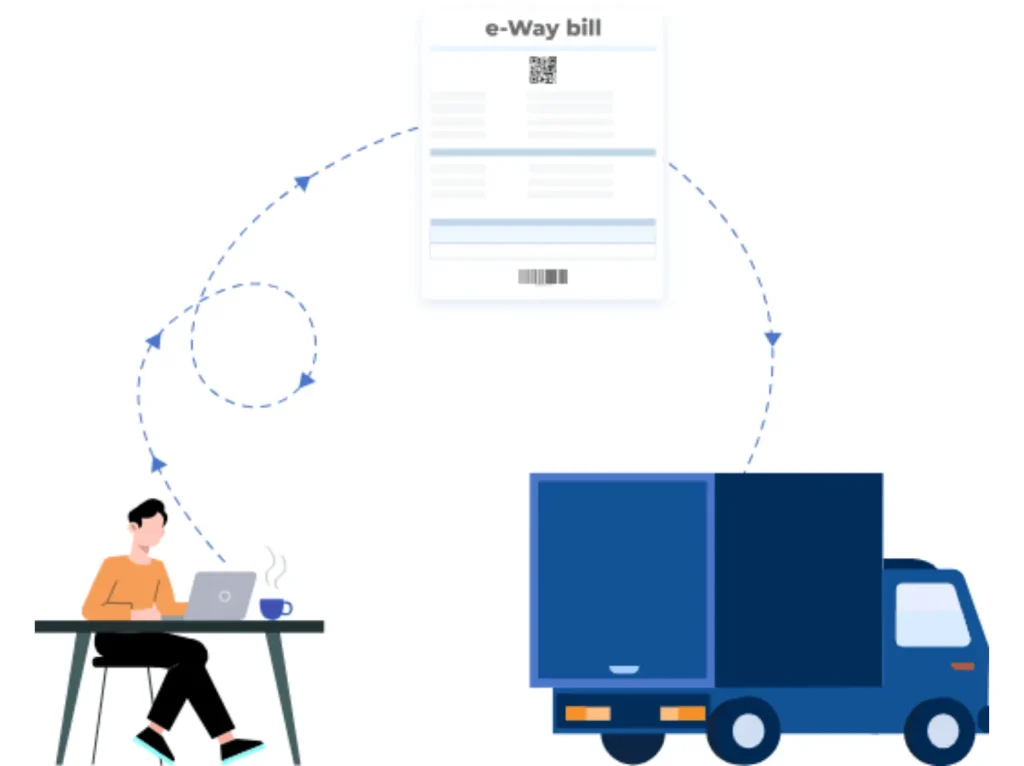
An individual who is registered
- For shipments of more than INR 50000 a document must be generated.
- Additionally they have the option to generate lower values.
- Before moving they must complete Part A of Form GST EWB-01.
Those who are not registered
- The recipient must guarantee compliance when delivering to a registered individual.
Transporter
- If the supplier hasn’t an E-Way bill needs to be generated.
- If the total value exceeds INR 50000 but the individual consignment values are less than INR 50000 the decision may be made not to generate.
- To consolidate this bill Form GST EWB-02 must be submitted.
When Is There No Need for this Bill?
- The non-motor vehicle is the means of transportation.
- Products are moved to an Inland Container Depot (ICD) or Container Freight Station (CFS) for Customs clearance from a customs port airport air cargo complex or land customs station.
- Items are shipped with a customs seal or under customs supervision. goods moved between customs stations or from ICD to the customs port under a customs bond.
- Move cargo between Bhutan and Nepal. transportation of goods through the Ministry of Defense as a consignor or consignee.
- They are transporting empty cargo containers.
- Consignor transporting cargo with a delivery challan to or from the business location and a weighbridge for weighing within 20 kilometers.
- When a local government, state government or federal government is the consignor, goods are transported by rail.
- According to the applicable State/Union territory GST Regulations goods are exempt from requirements.
What are the State-specific Limits and Rules for this bill?
States establish different limits on the flow of goods within their borders. States set their own limits for within-state transportation but bills are required for interstate transportation.
| State | Goods Type | Threshold for E-Way Bill (INR) |
| Andhra Pradesh | All taxable goods | 50,000 |
| Arunachal Pradesh | All taxable goods | 50,000 |
| Assam | All taxable goods | 50,000 |
| Bihar | All taxable goods | 1,00,000 |
| Chhattisgarh | specified goods only | 50,000 |
| Delhi | Taxable and non-taxable goods | 1,00,000 |
| Goa | 22 specified goods | 50,000 |
| Gujarat | Most taxable goods (except notified items) | 50,000 |
| Haryana | All taxable goods | 50,000 |
| Himachal Pradesh | All taxable goods | 50,000 |
| Jammu and Kashmir | Intra-state | Not required |
| Jharkhand | All taxable goods (except notified items) | 1,00,000 |
| Karnataka | All taxable goods | 50,000 |
| Kerala | All taxable goods | 50,000 |
| Madhya Pradesh | Most taxable goods | 1,00,000 |
| Maharashtra | All taxable goods | 1,00,000 |
| Manipur | All taxable goods | 50,000 |
| Meghalaya | All taxable goods | 50,000 |
| Mizoram | All taxable goods | 50,000 |
| Nagaland | All taxable goods | 50,000 |
| Odisha | All taxable goods | 50,000 |
| Puducherry | All taxable goods | 50,000 |
| Punjab | All taxable goods | 1,00,000 |
| Rajasthan | All taxable goods (except certain items) | 2,00,000 (within city) / 1,00,000 (cross-city) |
| Sikkim | All taxable goods | 50,000 |
| Tamil Nadu | All taxable goods | 1,00,000 |
| Telangana | All taxable goods | 50,000 |
| Tripura | All taxable goods | 50,000 |
| Uttar Pradesh | All taxable goods | 50,000 |
| Uttarakhand | All taxable goods | 50,000 |
| West Bengal | All taxable goods | 50,000 |
How Can an E-Way Bill Be Generated on a Portal?
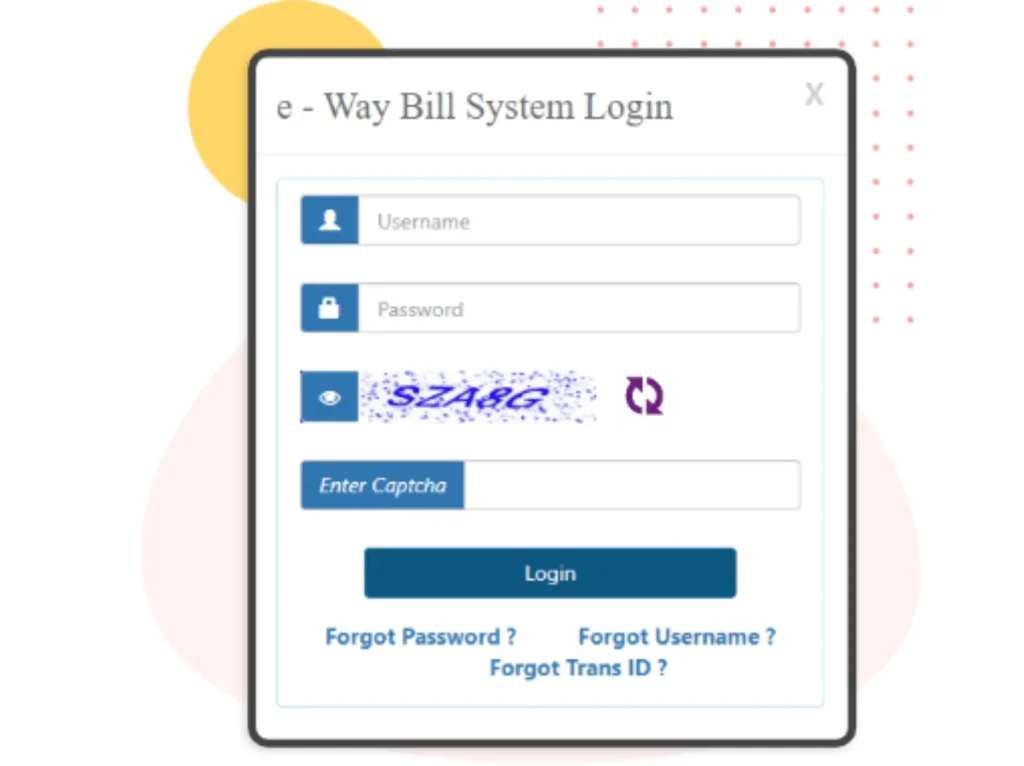
Step 1 is to log in
Go to the portal of the official website.
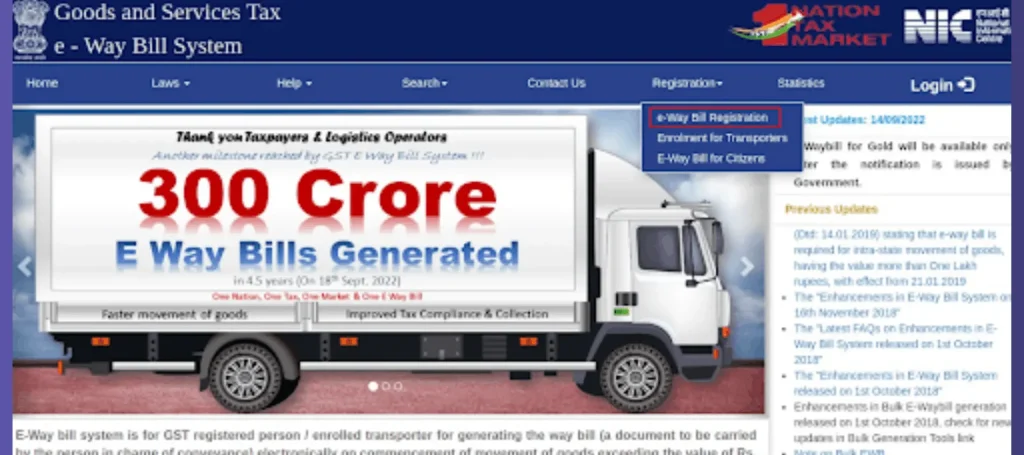
Step 2: Go to Generate New
Click on generate new.
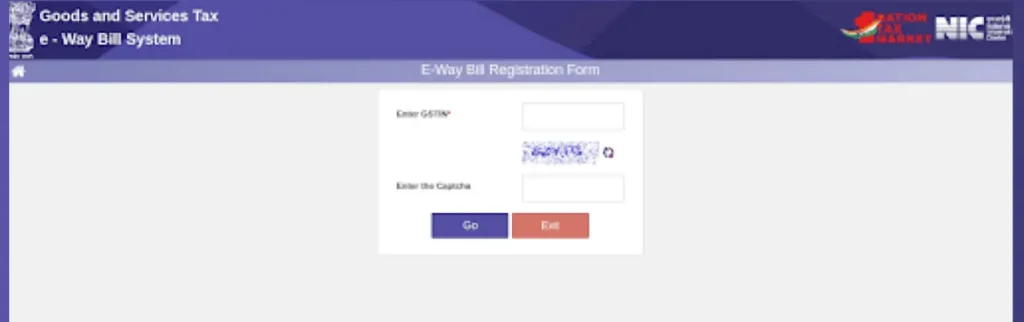
Step 3: Enter Your Information
Subtype: Choose the relevant subtype
Select the document type such as an invoice bill challan etc.
Document Information
Type the date and document/invoice number.
To Information
Indicate if you are a supplier or a recipient. Use URP in the GSTIN field for clients who are not registered.
Item Details
Indicate the product name description HSN code quantity unit value tax rates and other relevant taxes for the consignment.
Step 4: Press Submit
You can use your registered mobile number to generate this via text message. Register your mobile number and turn on the SMS. This can be a generation feature to start this process. To create, manage and cancel this and send the necessary SMS codes to the specified mobile number that is controlled by the GSTN.
How Can I Use SMS to Generate this Bill?
SMS-based generation is convenient for places with poor internet access. Register your mobile number on the portal to enable this feature.
SMS Format
EWBG GSTIN Recipient GSTIN Delivery Location Invoice Number Date of Invoice Value HSN Transport Mode Car Number. Deliver to the number that the portal specifies.
The system generates an EBN
For speedy updates while in transit transporters can use particular codes to update vehicle numbers via SMS.
How Can I Use SMS to Generate this Bill?
To maximize validity and minimize the need for extensions generate bills close to the dispatch time. When a document exceeds this limit error messages are displayed on the official portal.
What Is the E-Way Bill Validity?
Validity is dependent on the type of cargo and distance beginning with generation time.
| Goods Type | Distance | Validity |
| Standard Goods | Up to 200 km | 1 day |
| Standard Goods | Beyond 200 km | 1 day per 200 km |
| Over-Dimensional Cargo | Up to 20 km | 1 day |
| Over-Dimensional Cargo | Beyond 20 km | 1 day per 20 km |
Which Documents Are Needed for an E-Way Bill?
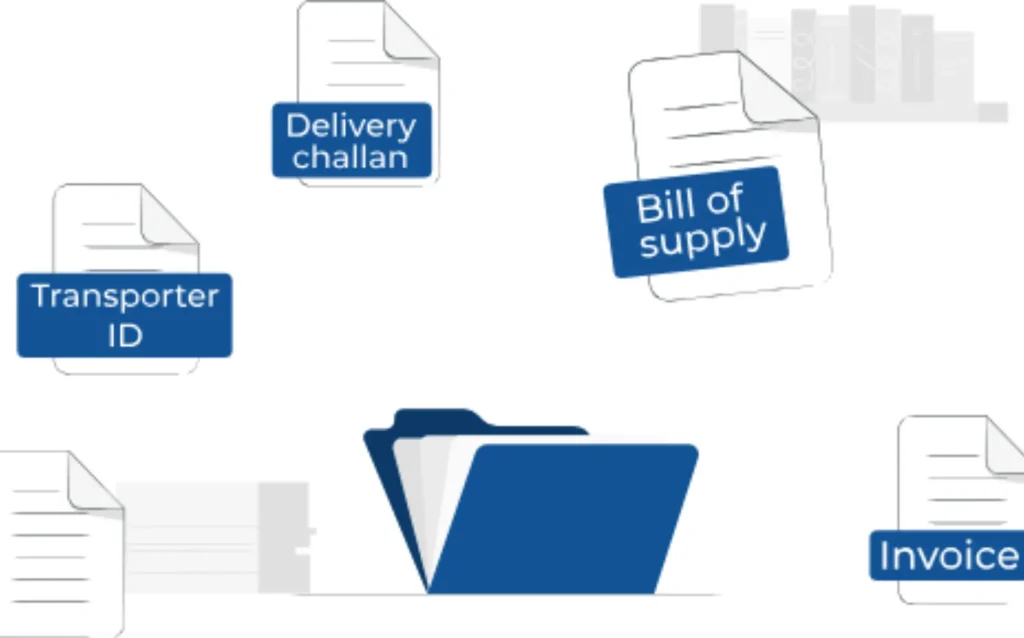
- Road transportation.
- Bill of supply or tax invoice.
- The vehicle number or transporter ID.
- Delivery challan.
- Rail Air Ship Transport supply bill or tax invoice.
- ID for the carrier.
- Transport document number (bill of lading airway bill or railway receipt).
- Date of transport document. Ensure that all supporting documentation is available while in transit.
FAQs
Conclusion
Finally, I think that this is a perfect solution for transferring things. This system saves us from heavy taxes to pay. This system saves the time of transporters and enhances efficiency by this online process. The EBN which is crucial for the recipient supplier and transporter will be assigned when the bill is generated. For everyone engaged in the transportation of the goods it acts as a reference.