Eway Bill Print
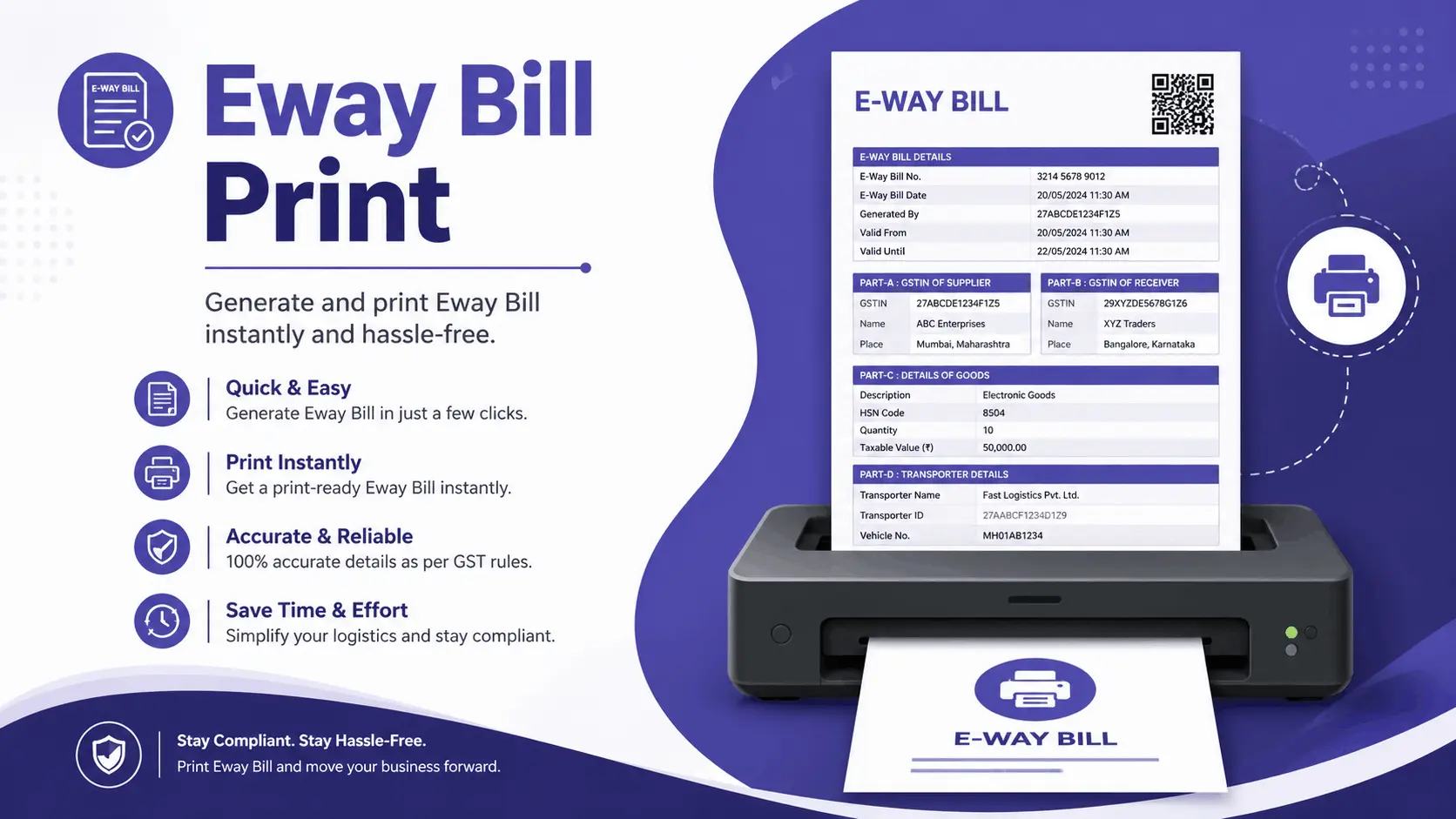
Want to get the Eway bill print but do not know how to get it? Then no need to be worried. It is very simple, just keep reading our post. An e-way bill is necessary when shipping goods over long distances in India particularly in light of GST. However printing an e-way bill requires logging in each time which is a bit excessive.
Eway bill print is secure because it provides you clearance and saves you from fine. This print format builds trust and helps in keeping record about the tracking of goods. In India this system is getting popular nowadays.
Why Is Eway Bill Print Online Required?
We have to print this bill from online websites due to these reasons.
- Ensures efficient checkpoint clearance and transportation.
- Aids in preventing penalties or fines for noncompliance.
- Serves as a trustworthy record for tracking and confirming goods.
- A printed e-way bill facilitates the prompt provision of documentation by drivers and transporters particularly in situations where connectivity is difficult.
How Can I Login To Get Eway Bill Print?
If you have login credentials, printing an e-way bill straight from the GST portal is simple. The bill can be generated and printed by following these steps.
Step 1:
Visit the e-Way Bill website and enter your login information.
Step 2:
When you do a left click then you can see the E-way bill menu and also can select from the list.
Step 3:
Add your 12 digits Eway bill number in the search bar.

Step 4:
At this step you can see the bill. Select Print for a simple copy or Detailed Print if you want all the additional information printed out.
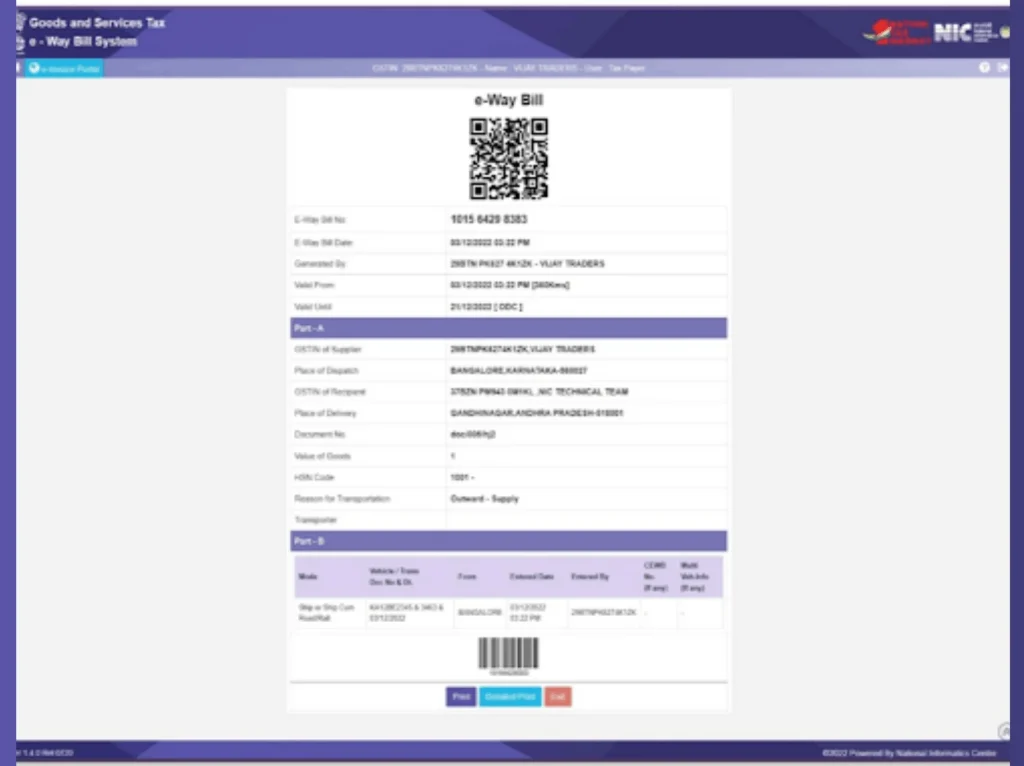
This is how the e-way bill with login access is typically printed. This method gives you complete control over your e-way bill records in case you need to check or reprint a previous bill.
Without logging in, how can I get Eway Bill Print in PDF?
There is an easier way to print your bill without logging into the e-Way Bill portal if you find it tedious to do so every time. This is how you can accomplish it.
Step 1: Visit the e-Way Bill website at the official website.
Step 2: From the main page of the official site you can get the bill. For this first you have to add the digits that means the number on your card.
Step 3: Enter the date, the document number (if any) and the e-way bill number (EBN).
Step 4: To verify input the Captcha code.
Step 5: To print out simply click GO.
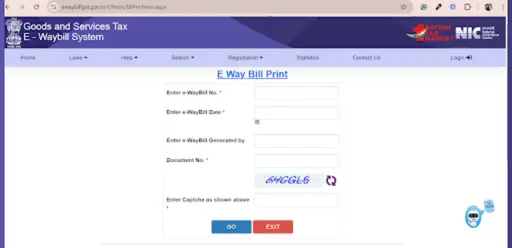
Because no login credentials are needed there is less back-and-forth when time is of the essence making this method a lifesaver for transporters who need to share bills with drivers or team members quickly.
Print the e-Way bill directly
For business owners and transporters who frequently need access to e-way bill documents a direct link can save time. To access and print an e-way bill directly follow these instructions.
- Utilize the Direct e-way Bill Print Link found at the official website.
- For easy access you can also bookmark the Print e-Way Bill page in your browser.
- Enter the necessary transport document number or e-way bill number (EBN) confirm with Captcha and print or download as necessary.
This approach gives users direct access to e-way bill documents and eliminates the need for them to log in.
E-Way bill printing challenges
There may be difficulties printing e-way bills. These are a few typical ones.
Login Problems
Sometimes you can face the issue of login problems.
Issues with connectivity
If your internet connection is slow then you can not get the print immediately.
Data Entry Errors
Delays may result from mistakes made when entering the transport document number or e-way bill number.
Reprints
Documents may occasionally need to be reprinted for verification.
Multiple e-Way Bills
The portal does not allow you to print all of your e-Way bills at once so keep that in mind if you have a stack of them.
You can prevent any possible workflow delays by keeping this in mind.
FAQs
Conclusion
An essential part of India’s GST system, the e-way bill system promotes transparency and makes the flow of goods easier. However printing e-way bills presents a number of difficulties for businesses from technical problems to guaranteeing data accuracy and compliance. A few clicks will reveal the credit you already qualify for.